ProPresenter Integration
ServeWay™ works alongside ProPresenter so Sunday runs smoother, from the office to the booth.
Connect ServeWay™ to ProPresenter on your network. Each feature has its own on/off switch, and the ProPresenter tools only appear when ProPresenter is your presentation software.
Service-order advance
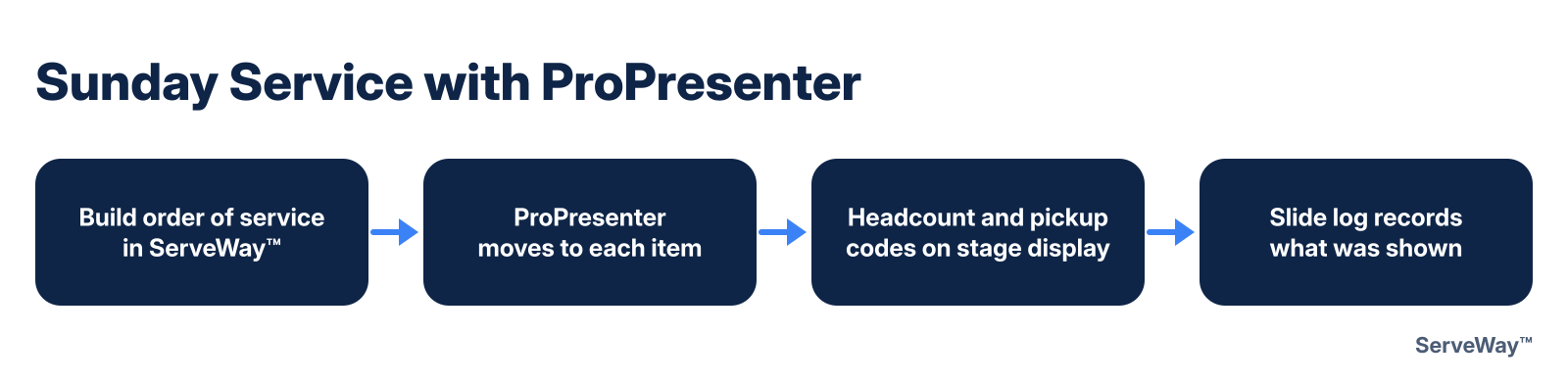
Build the order of service in ServeWay™, and ProPresenter follows along, moving to each item as the service goes.
Service timers
Countdown and service timers driven from the ServeWay™ schedule.
Scripture verse feed
Send the sermon’s scripture list straight to ProPresenter.
Urgent stage alerts
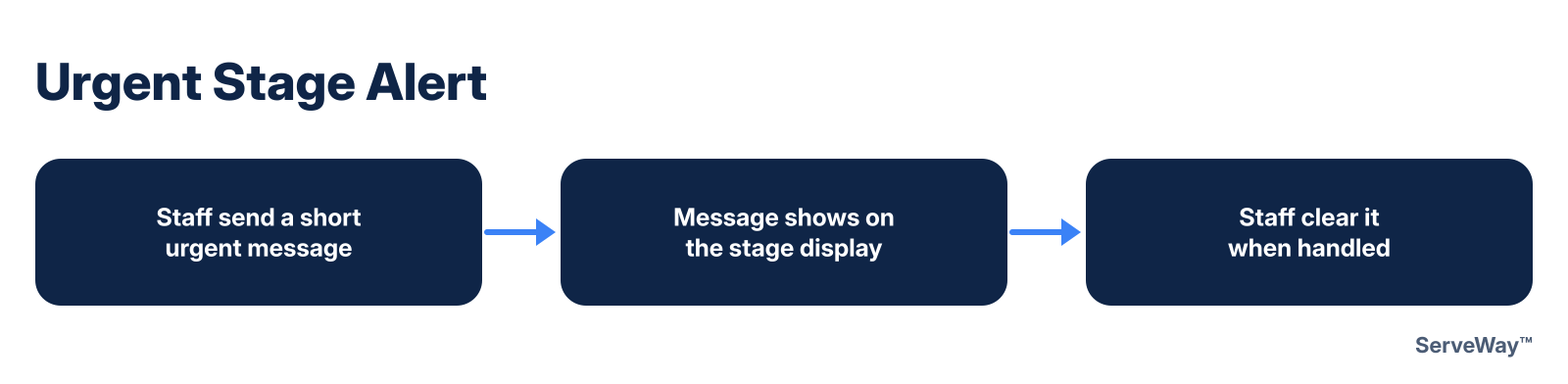
Staff can send a short urgent message to the stage display and clear it when it’s handled.
Nursery messages
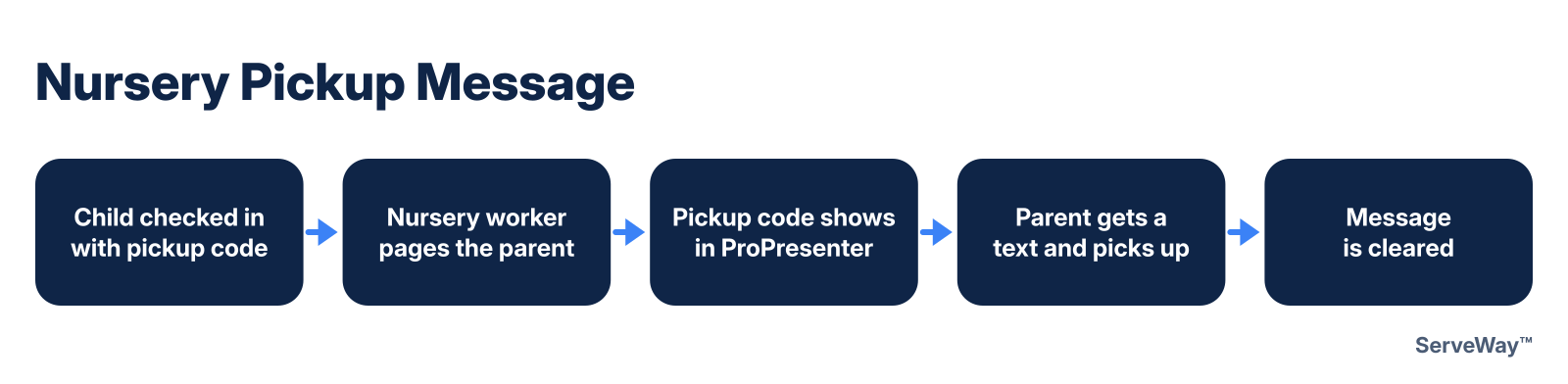
A nursery worker pages a parent, and the child’s pickup code (never the name) shows as a ProPresenter message while the parent gets a text.
Check-in headcount
Show the live check-in headcount on the stage display.

Booth-crash alert
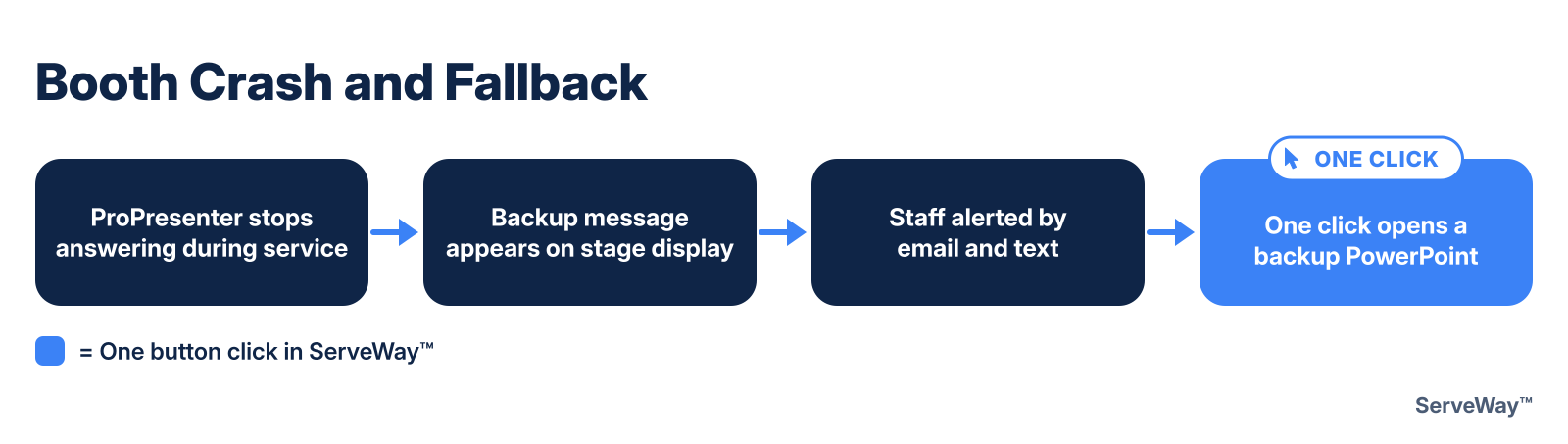
If ProPresenter stops answering during service times, staff are alerted by email and text, with one click to open a backup PowerPoint.
Booth fallback stage message
If the booth computer goes down, a backup message appears on the stage display.
Weekly closing slide
ServeWay™ builds a closing slide from this week’s events, next Sunday’s serving schedule and your contact info. Preview it, then place it on its own closing playlist.
Announcement slides
Announcement, prayer and sermon PowerPoints come straight from ServeWay™, and an unchanged slide is reused from last week.
Prayer wall
Show approved prayer requests on screen before or after the service.
Slide log
Keep a record of which slides were shown and when.
OBS scene switching
OBS scenes can follow ProPresenter for your live stream.

How it works
ServeWay™ also works with FreeShow and OpenLP for slides; the stage-display and service-order features above require ProPresenter.
See every feature