ServeWay™ for WordPress
Connect your church website to ServeWay™
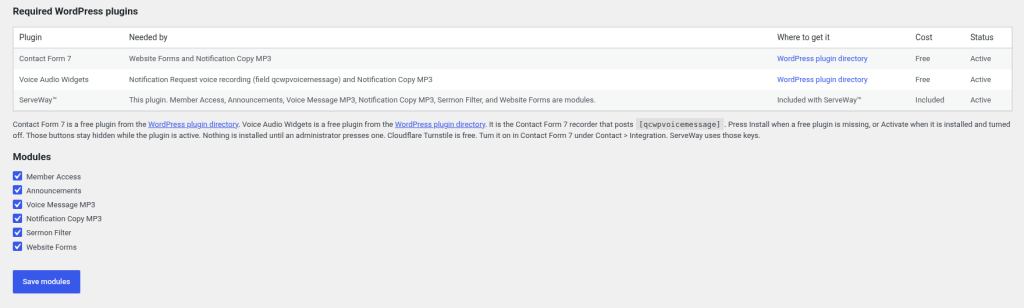
One plugin connects your site
One free plugin connects your WordPress site to ServeWay™, so the website and the app stay in step. No paid plugins are required.
Required plugins (both free)
- Contact Form 7 — runs the website forms.
- Voice Audio Widgets — records the voice message on the Notification Request form.
If either is missing, the ServeWay™ settings page offers an Install button.
Sermon library built in
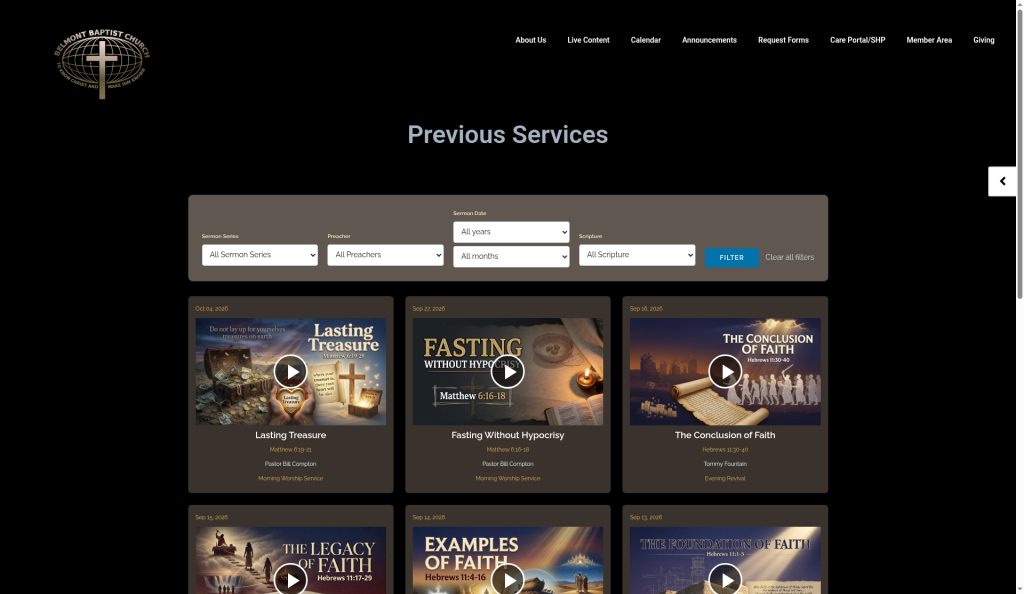
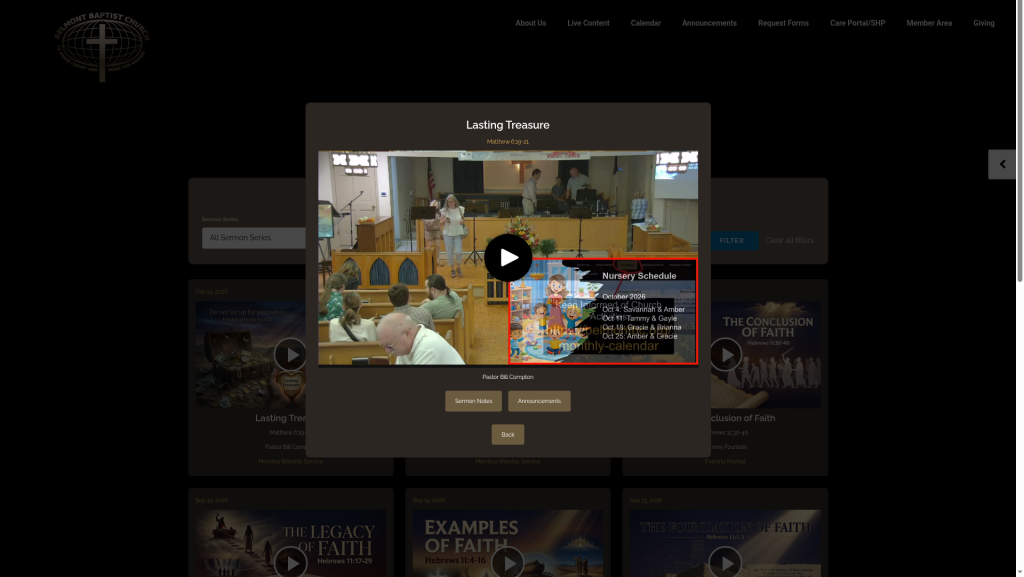
One click in the app posts Sunday’s service to the website: the MUX.com video, the sermon notes PDF, and the announcements PDF. Visitors filter sermons by series, preacher, date, and scripture, and clicking a sermon card opens its details.
No paid sermon plugin needed.
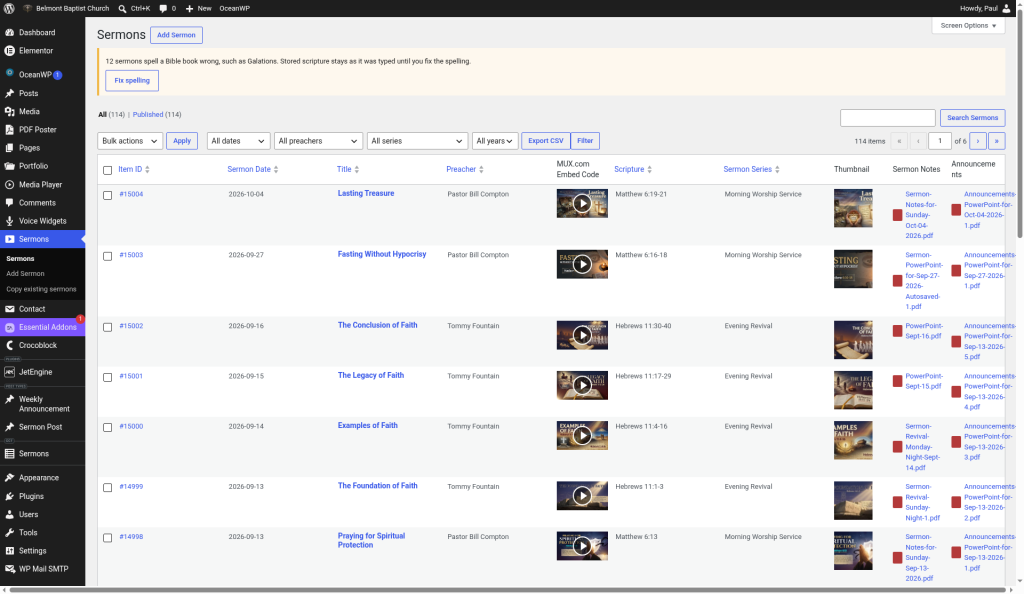
Easy sermon editing in the WordPress dashboard
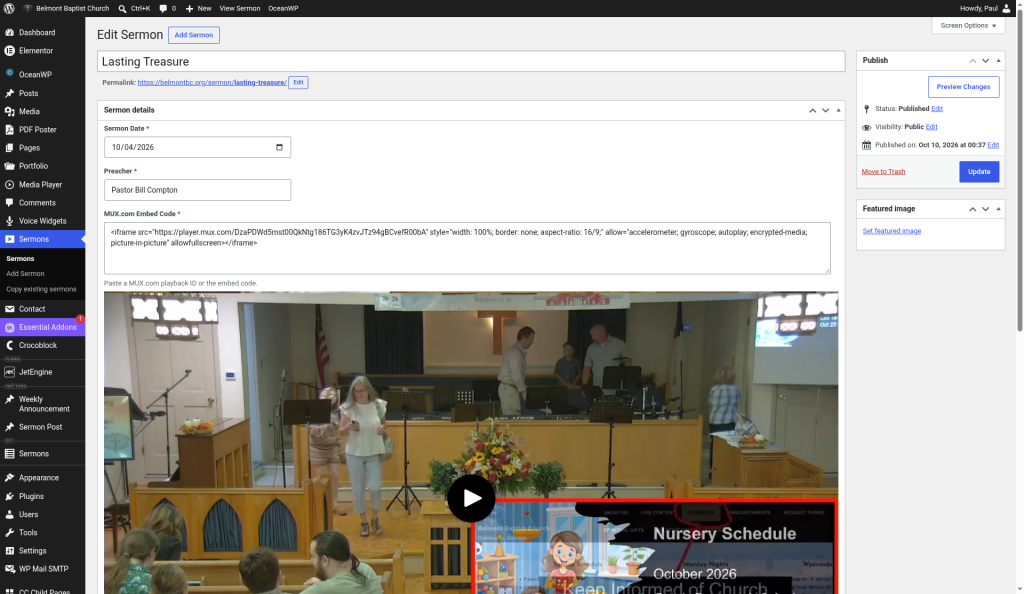
Sermons are easy to manage in the WordPress dashboard, with thumbnails, PDF previews, a video preview, and a spelling check for Bible book names. Quick Edit and Duplicate save time on routine changes.
Make it match your site
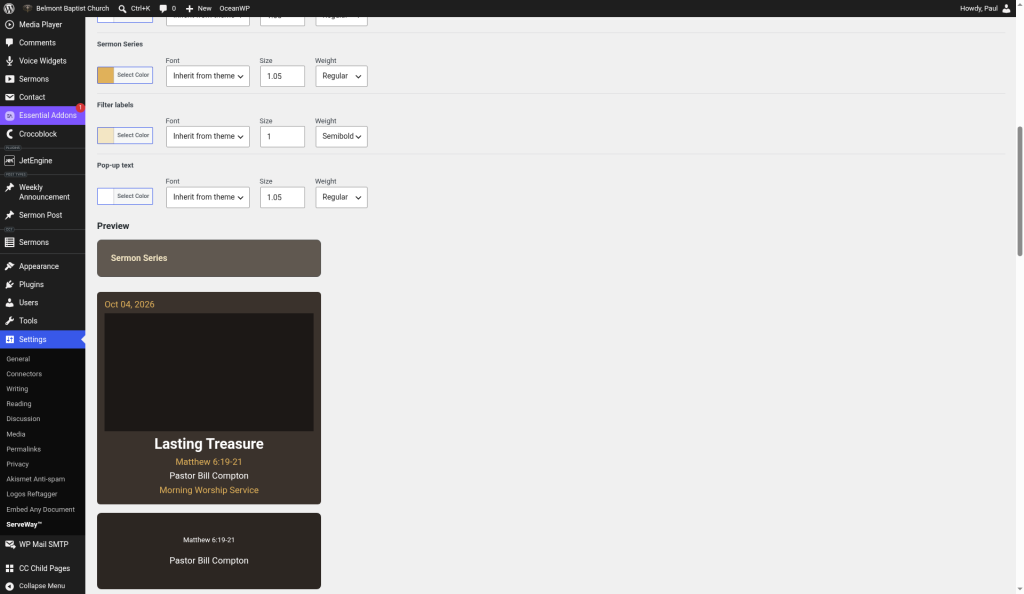
Choose the colors, fonts, sizes, columns, and number of sermons per page, and see the changes in a live preview before you save.
Member area
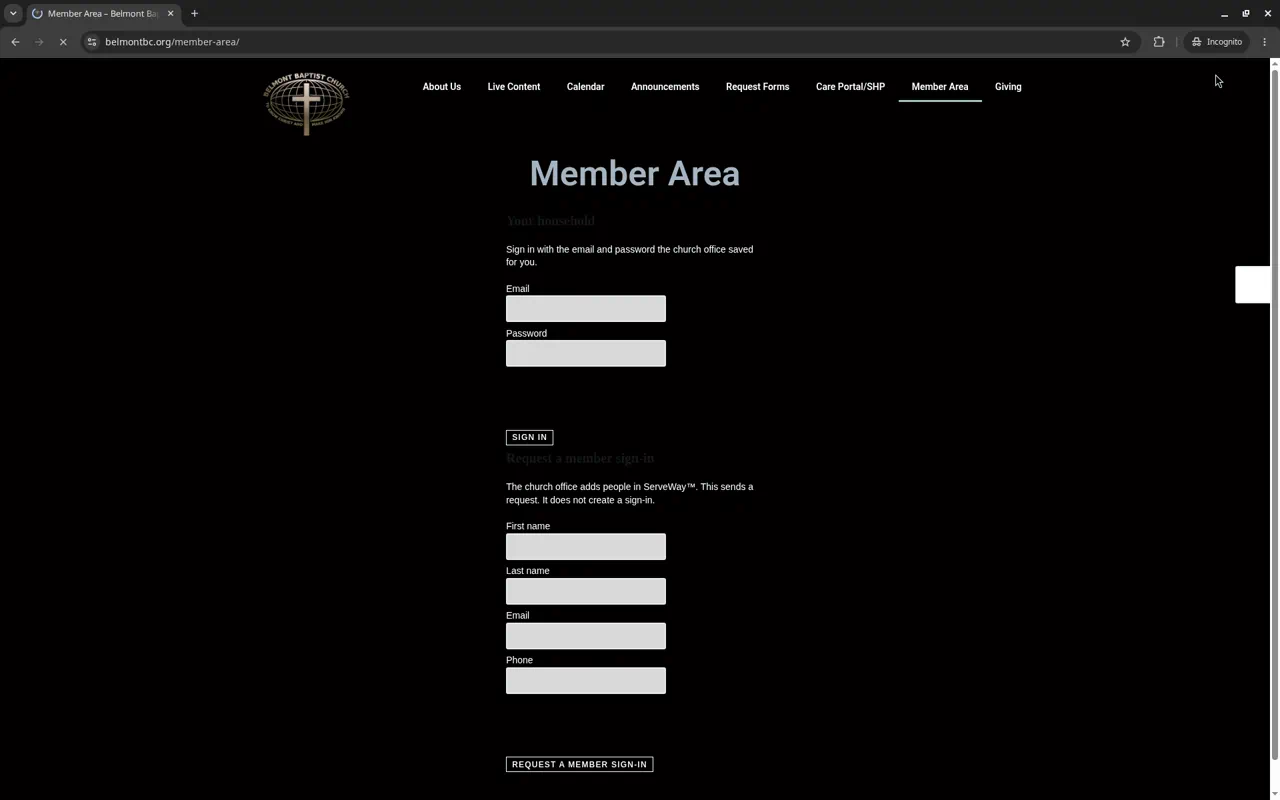
Members sign in to update their household, see the church directory (they choose what they show), and send prayer requests.
Website forms
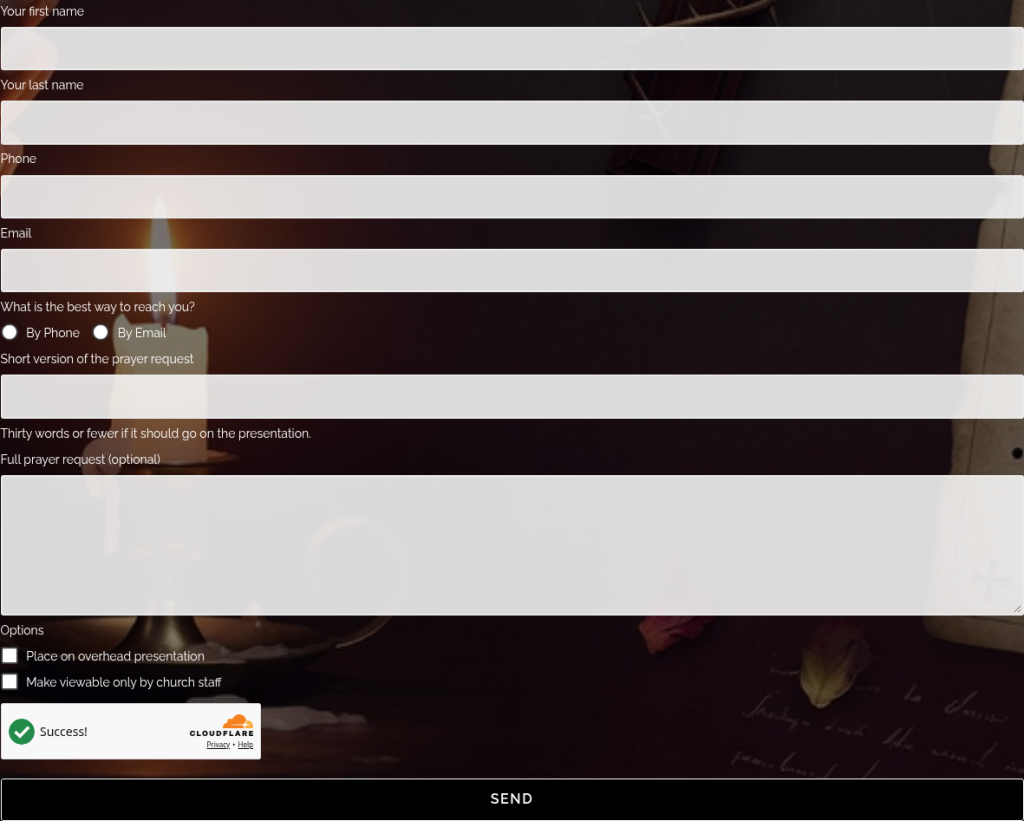
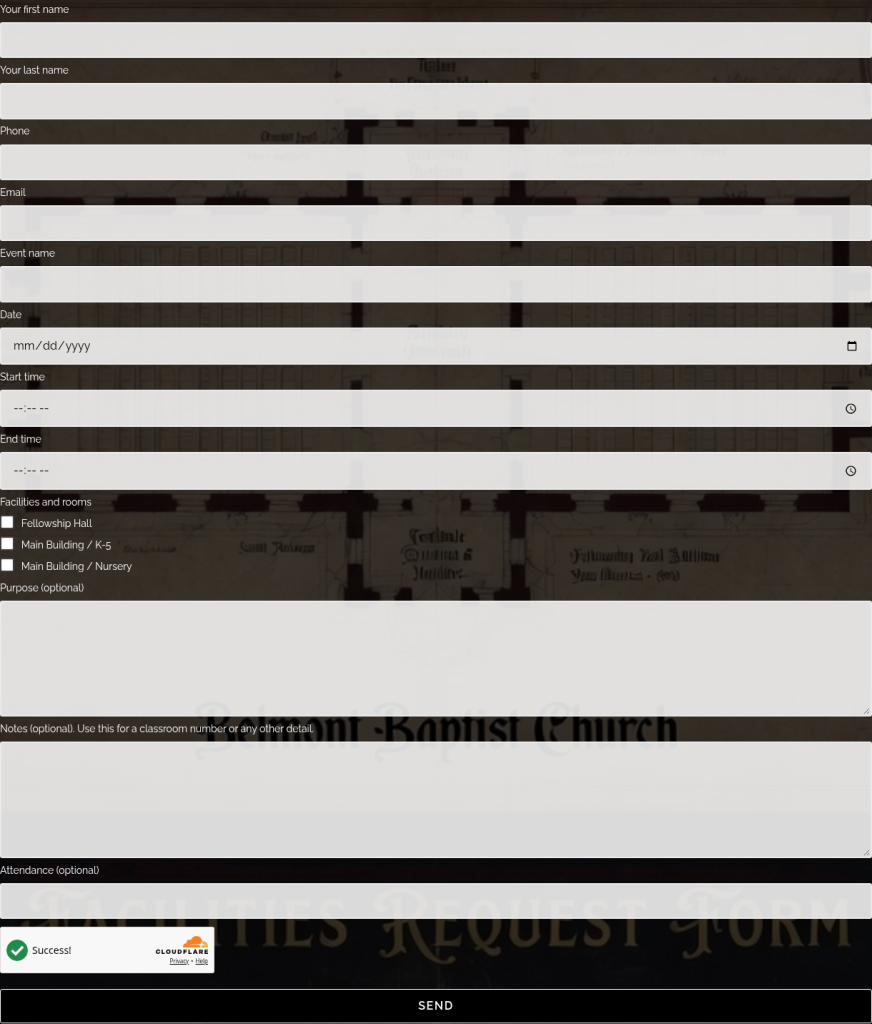
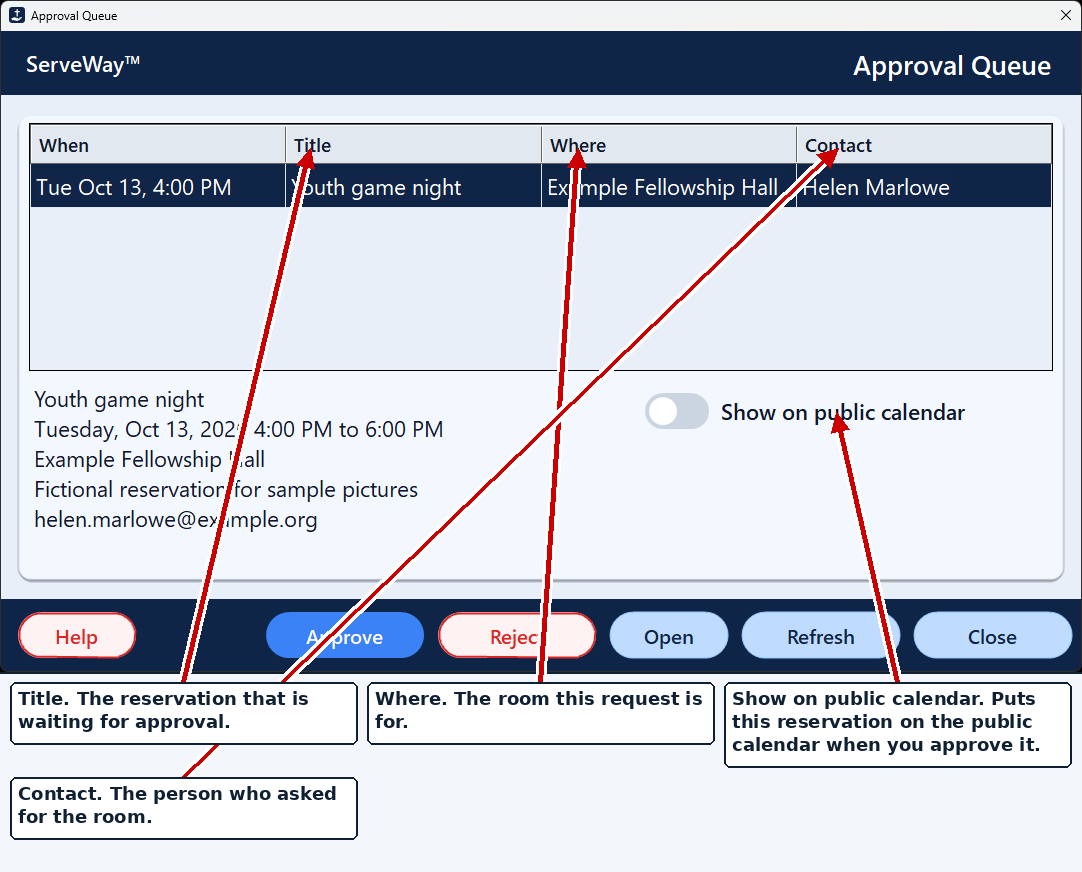
Prayer request and facilities forms are protected by Cloudflare Turnstile and go to an approval queue in ServeWay™. The administrator gets an email when one arrives, and approved facility bookings update the church calendars.
Simple setup
Connect the plugin to ServeWay™ from one settings page in WordPress. The plugin is available in English, Spanish, Portuguese, and Korean (translations not yet reviewed by a human translator).